All guides
Ask for a new feature
Tell us what you wish TeamMap did, right from the app. A person reads every message and replies by email.
Version 2026-11-08 · TeamMap 3.0.54
Before you start
- You are signed in to TeamMap: on a computer at app.teammap.co, or in the phone app.
- Anyone on your team can send one: owners, managers and guards.
- Think of one real time it got in your way. One real example helps us more than a long list.
Step 1Open Support
- Click your picture at the top right.
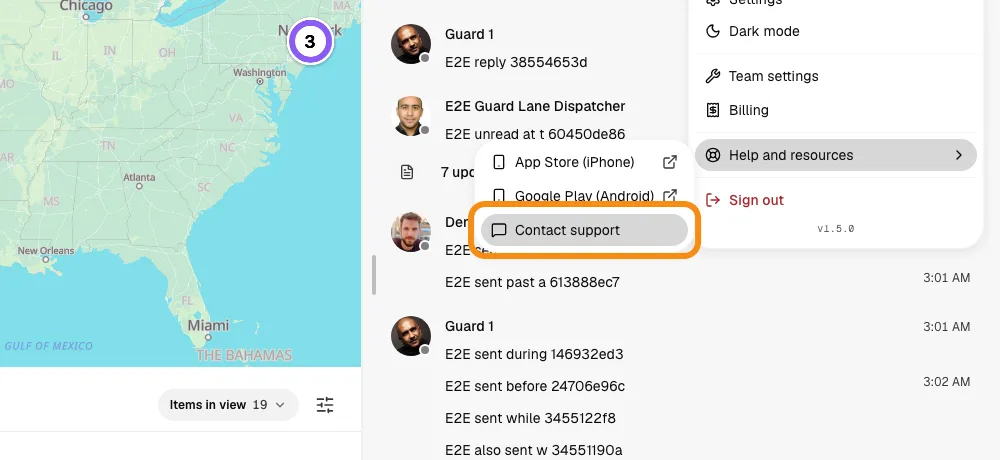
- Click Help and resources, then Contact support. The Support page opens.
- On the phone: tap your picture, then Help & support.
Step 2Pick Suggest a feature
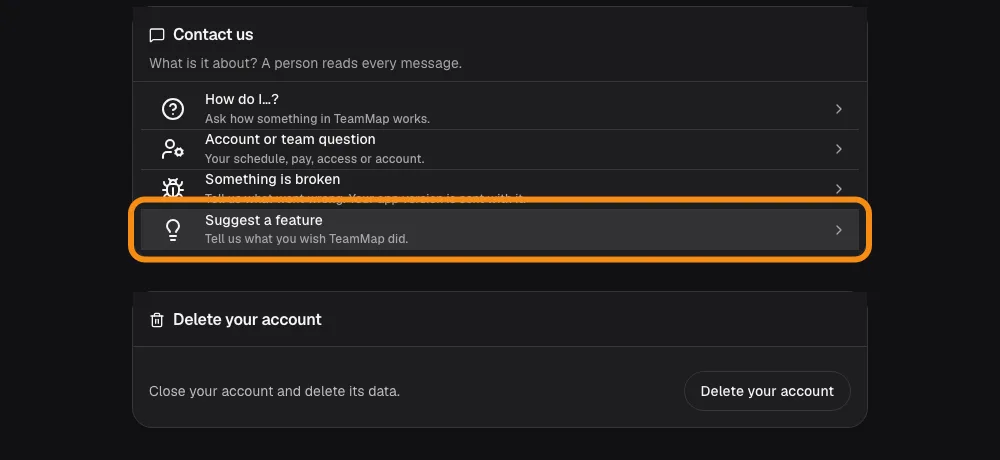
- Under Contact us, click Suggest a feature.
Step 3Say what you need, then send
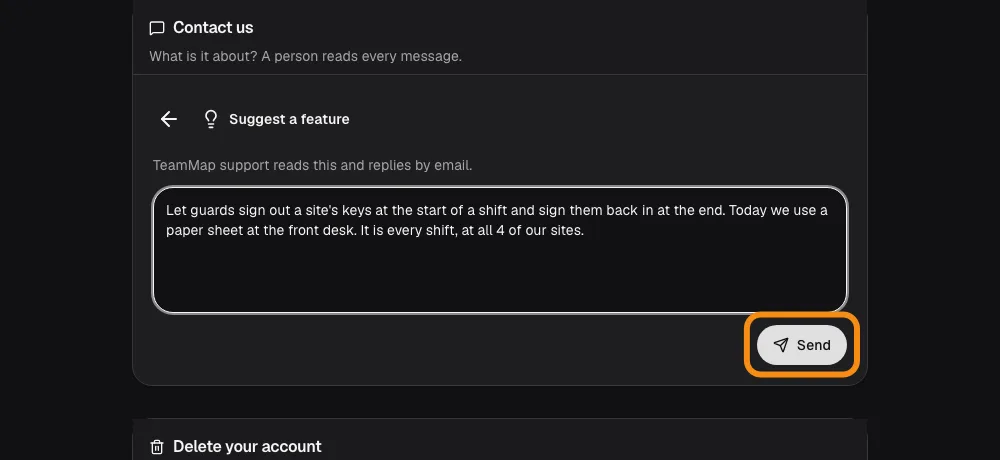
- What were you trying to get done?
- What got in the way, and what do you do today instead?
- Who does it hit, and how often? One guard once a month, or every guard every night.
- Click Send.
Step 4We reply by email
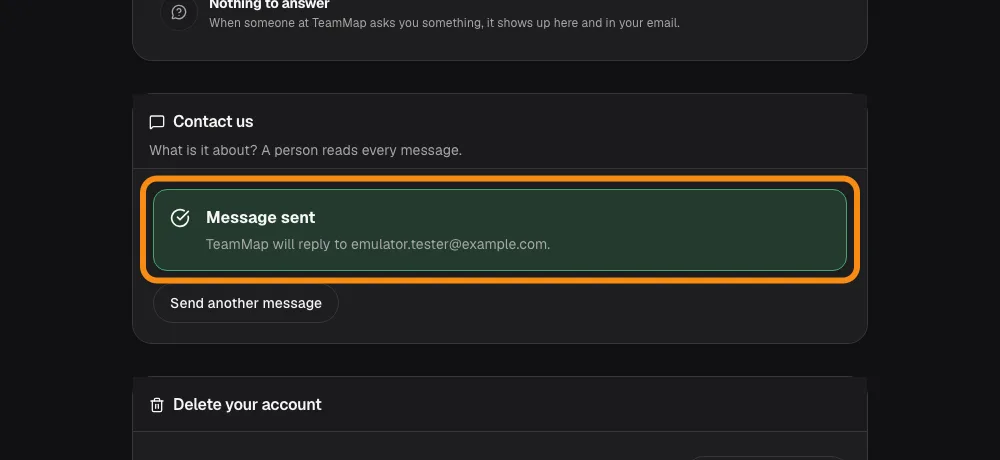
- TeamMap support reads it and replies to your email address.
- Have a second idea? Click Send another message. One idea per message is easiest to track.
What makes a good request
- The job, not the button
- Say what you were trying to get done. We may know a faster way, or build it so it works for every team.
- A real example
- One time it happened: which site, which shift, and what you did instead.
- Who and how often
- One guard once a month, or every guard every night. This helps us decide what to build first.
- One idea per message
- Send a second message for a second idea.
What happens next
- A person replies
- Someone at TeamMap reads it and replies to your email.
- Not signed in?
- Email hello@teammap.co with the same details.