Patrol analytics that prove the rounds happened
Patrol analytics in TeamMap: route, task and shift completion rates by site, the trend that shows a post slipping, and a PDF the client can read.

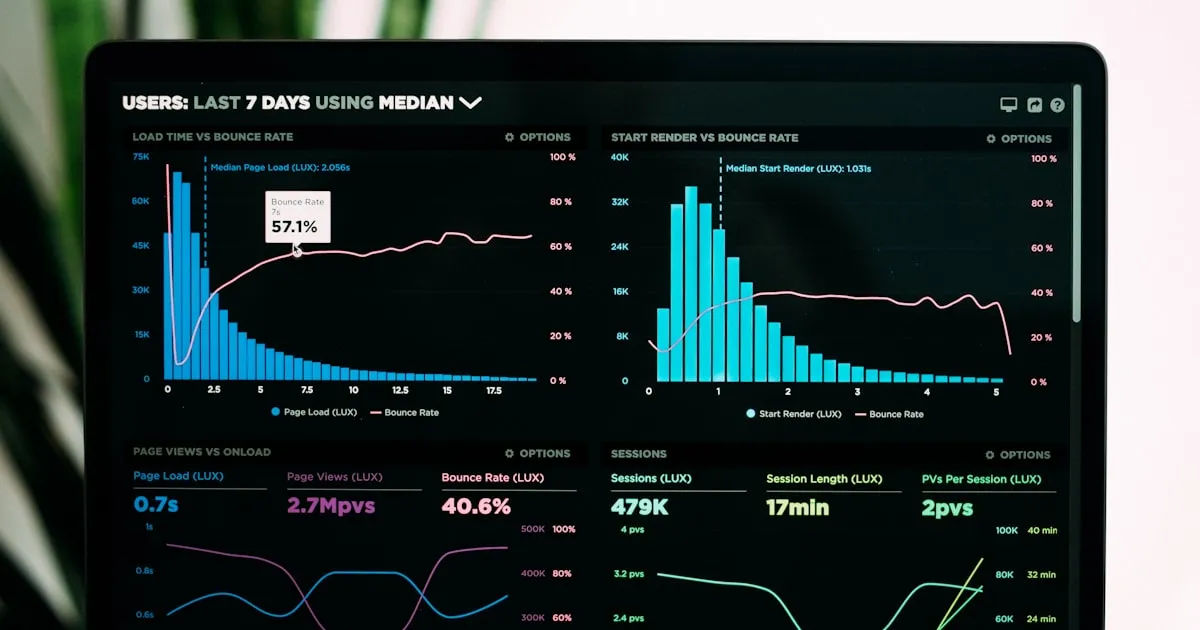
Sooner or later a property manager asks how they know your guards are doing their jobs. Answering it used to mean three screens and a Friday afternoon. Patrol analytics put the answer in one place, in a form you can hand over.
The analytics view in TeamMap shows patrol, task and shift completion rates with trends, activity by hour, work per person, and activity per site, for whatever period you pick. You can drill into one person, group or site. Route completion reports and per-record PDFs come off the record itself, and the lists export to CSV or Excel.
Why does a client cancel?
Rarely because of one incident. Usually because they have been paying an invoice every month for a year and have never once been shown what it bought.
A property manager who cannot see whether patrols were completed has to decide on feeling. So they compare your price to the next bid, and the bid wins. Analytics is not a surveillance tool pointed at guards. It is the thing that lets you walk into a renewal meeting with the answer already printed.
What to actually put in that meeting is a separate craft, covered in client reports that win renewals and metrics that prove the work.
What does the view show?
Four panels, each answering a different question.
- Completion rates. The share of patrol routes, tasks and shifts that were finished, each with a trend against the previous period. When Site A drops from 95 percent to 70 percent, you find out this week rather than at the quarterly review.
- Activity by hour. When the work is really happening across tasks, reports, events and routes. Patterns that are invisible in a list are obvious when the whole day is one chart.
- Who is carrying the work. Tasks completed and reports submitted per person. The use is not a league table. It is spotting the officer who needs training and the site that has been quietly running one person short.
- Top locations and top groups. Sites ranked by visits, groups ranked by actions completed. This is where you see coverage going thin before the client does.
Change the period and everything re-reads. Open a person, a group or a site and the same figures narrow to just them.
Which numbers actually matter to a client?
Three, and the rest is context. Route completion answers whether the rounds were walked. Shift completion answers whether the post was staffed. Reports submitted against reports expected answers whether the paperwork the contract promised exists.
Everything else on the screen is for you, not for them. Activity by hour tells you a route is scheduled at the wrong time. Work per person tells you who needs training. A client does not want either number, and handing over a chart that ranks your own officers invites a conversation you will not enjoy.
Be clear about what the numbers do not prove. A completed route says the checkpoints were scanned in order, not that the officer looked at anything. A missing scan can be a locked door, a dead phone or a guard who skipped it, and only the supervisor who asks finds out which. Treat a dip as a question, not a verdict.
What can you actually hand a client?
Open a finished patrol route and export its completion report. It carries your company name, a map of the route, every checkpoint with the method that proved it, and the completion percentage.
That method column is the part clients read twice. A checkpoint proved by an NFC tap at a fixed tag is a different quality of evidence from a GPS fix, and both beat a tick in a box. There is more on how the verification works in the GPS patrol verification guide, and on where the checkpoints should sit in the first place in where to place patrol checkpoints.
Incidents and shifts export the same way from their own screens. A client asking about one specific night gets that night, not a monthly average that answers nothing.
What exports, and to what?
| Source | Format | Reach for it when |
|---|---|---|
| Timesheets list | CSV or Excel | Payroll |
| Tasks, routes, incidents, events, members, groups, channels lists | CSV or Excel | Analysis the charts do not cover |
| A finished route, incident or shift record | Sending proof of one specific thing to a client | |
| Audit log (Pro and up) | CSV or JSON | Establishing who changed what, and when |
The analytics screen itself is for reading. The file you send always comes off a list or a record.
Where should you start?
Route completion. It is the number clients care about most and the one they are least able to verify on their own.
Pick your largest account, export a route completion report for last week, and send it without being asked. Then do it again next week. Whether that changes the relationship is something you will find out from that client, not from a blog post, but the conversation you are having afterward is a different one from "prove it".
The analytics feature page covers the panels in more detail, and routes that repeat on schedule covers building the patrols the numbers come from.
Key Takeaways
- Route, task and shift completion rates with period-over-period trends, in one view.
- Drill into any person, group or site, over any period you set.
- Route completion reports and per-record PDFs come off the record, carrying the method that proved each checkpoint.
- Timesheets, tasks, routes and incidents export to CSV or Excel; the audit log exports to CSV or JSON.
- Start by sending a route completion report to your biggest client before they ask for one.
Continue Reading

Compliance metrics that prove the patrol happened
The compliance metrics clients ask for: route, task and shift completion, drill-down by site or person, and exports off the record itself.

Offline mode: what TeamMap does with no signal
Offline mode holds scans, reports, clock-ins and photos on the phone until signal returns. What still works, what does not, and the radio fallback.
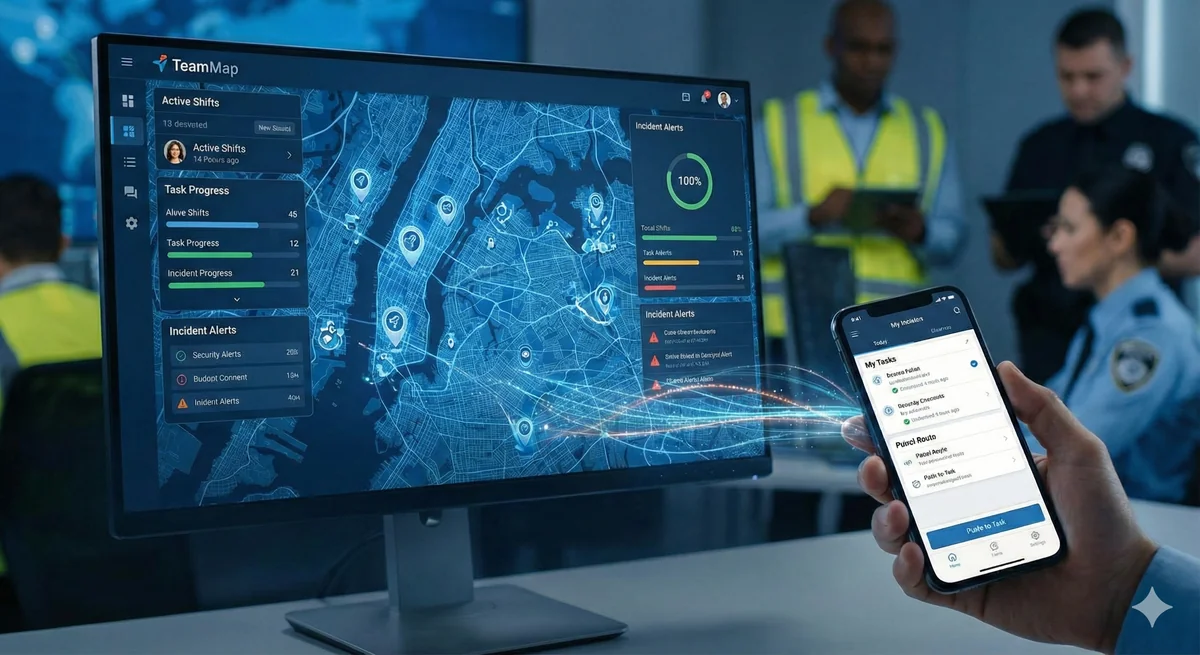
Channel communication in TeamMap: a setup guide
Set up channels in TeamMap by site, shift and incident, decide open or private, tune notifications, and export the history before retention closes.