Mobile patrol app comparison: 4 tools and prices
A mobile patrol app comparison of TeamMap, Trackforce, GuardsPro and OfficerReports: published prices, checkpoint methods, and how to run a real trial.

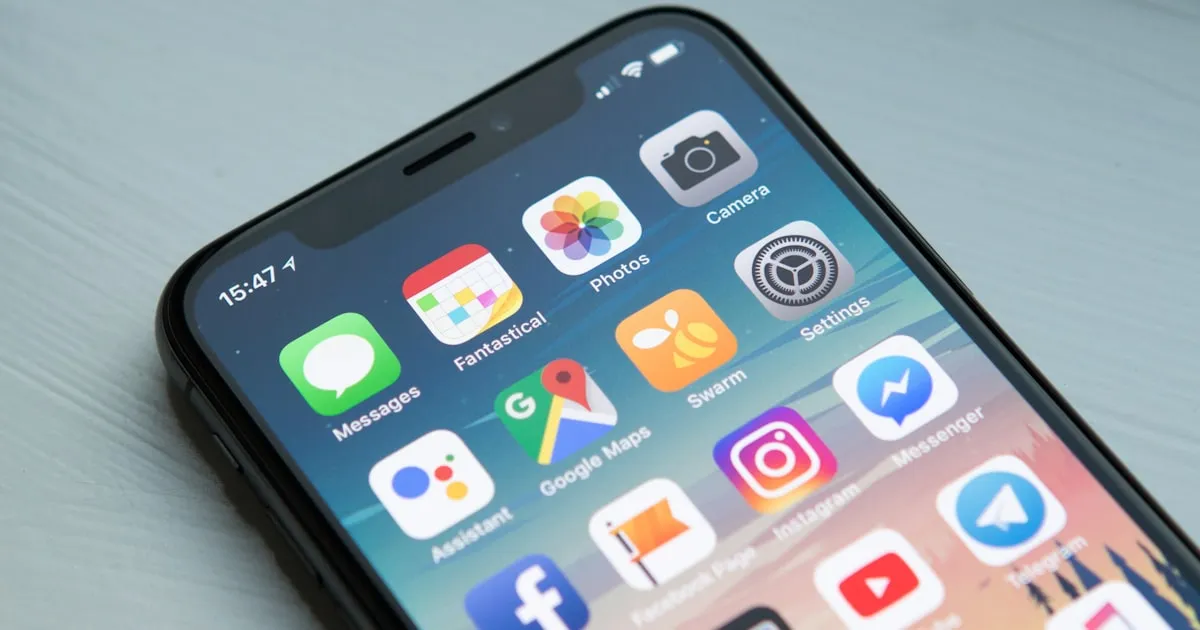
Your officers hold a patrol app all shift. Pick the wrong one and you get missed checkpoints, reports stuck on the phone and a dead battery at hour six. This mobile patrol app comparison is about the stairwell, not the demo.
Test offline first, on the cheapest Android handset you own, for a full shift, before you sign. Three of the four here publish a price you can check without a sales call: TeamMap starts free and runs $5 per user a month on Pro, GuardsPro lists $5 to $10, and OfficerReports charges $70 a site. Silvertrac no longer quotes on its own site at all.
TeamMap is our product and it has no customers yet, so there are no case studies here and nothing in this post is a customer result. The TeamMap column is what the app does; every other column is quoted from the vendor's own site.
What actually decides whether guards use it?
Ignore the feature grid for a minute. Five things decide whether the app is still open in week three.
Does it work with no signal?
Parking garages. Basements. Stairwells. Rural gates. Cell coverage dies in exactly the places you are paid to patrol, and an app that cannot scan a checkpoint or file a report without a bar is not an app your officers can use.
Test it like this: airplane mode, five checkpoint scans, one incident report with two photos, then reconnect. Did all eight records land? How long did the sync take? Did anything come through with the wrong timestamp? Offline queueing and reconnect behavior is the difference between a record and a story.
How much battery does it burn?
Continuous GPS is the drain, and how much depends on the polling interval, the handset and the site, so no vendor number will match your result. Measure it yourself: charge to 100 percent, run a real shift, read the battery at relief. A phone that dies at hour six leaves you with no tracking and no radio for the back half of the night.
How does it prove the checkpoint?
Three methods, and they are not equivalent.
- NFC tags. The officer taps the phone to the tag and the scan lands in under a second. Works in the dark, works in rain, works through most cases. Hard to fake without physically being at the tag. The cost is installation, not hardware: OfficerReports sells programmed NFC tags at $1.50 each, or $2 for on-metal, so the tag is the cheap part of the job.
- QR codes. Cheap to print and easy to replace, which is also the problem: a code can be photographed and scanned from a phone screen in the break room. Camera scanning also wants light and a clean lens.
- GPS geofences. No hardware to install, and no proof the officer looked at anything. GPS.gov puts smartphone accuracy at "within a 4.9 m (16 ft.) radius under open sky" and notes that "their accuracy worsens near buildings, bridges, and trees." A stairwell is all three.
Run NFC as the primary method and keep GPS for open outdoor points where there is nothing to mount a tag on. If you have not mapped the points yet, start with where checkpoints belong on the route rather than where a tag is convenient to stick.
How fast is an incident report?
Count taps, from "something just happened" to "submitted." Sixty seconds for a basic report with one photo is a reasonable bar to hold vendors to. An officer standing with a trespasser cannot spend three minutes filling boxes, and the report they abandon is the one your client asks about.
Does it run on the phones you actually have?
Look at your roster before you look at the app. Company handsets are usually inexpensive Android devices; personal phones mean both platforms and a wide spread of OS versions. Read the Play Store reviews separately from the App Store ones, because the Android build is usually the weaker of the two.
How do the apps compare?
| Feature | TeamMap | Trackforce (Silvertrac) | GuardsPro | OfficerReports |
|---|---|---|---|---|
| Checkpoint methods | NFC and QR scans, plus GPS and geofences on routes | "Proof of presence on every tour" | QR and NFC | GPS and QR; NFC tags sold as an add-on |
| Offline operation | Scans, reports and photos save on the phone and sync on reconnect | Not advertised | Not advertised | Not advertised |
| In-app communication | Team channels, direct messages, voice notes | "Real-time comms" | Not advertised | Not advertised |
| Lone-worker safety | SOS button, welfare check-ins with escalation | Lone worker listed as a platform feature | Not advertised | Not advertised |
| Scheduling | Shifts, GPS-stamped clock in and out, open shifts a guard can claim | "Smart scheduling and guard tours" | Scheduler sold as a paid add-on module | Included, with time and attendance |
| Published price | Free plan; Pro $5/user/mo ($3 annual); Business $10 ($8 annual) | None. Quote request only | $5 to $10/user/mo; $4.25 to $8.50 annual | Per site: $70/site/mo at 2 to 15 sites; mobile patrol $40/site |
"Not advertised" means the feature was not on the pages we read, not that the product cannot do it. Vendors change features and prices, so confirm before you decide. A previous version of this post also listed PatrolScan; its site would not resolve when we checked, so we removed it rather than describe a product we could not verify.
What is each one good at?
TeamMap
The conversation lives in the same app as the patrol: team channels by site or shift, direct messages and voice notes for when typing is not practical. The SOS button and welfare check-ins make it a fit for solo posts, fire watch and remote property. It does not do open-channel voice, so a radio-dependent operation keeps its radios, and it does not do man-down detection. Checkpoint scans, reports and photos save on the device and sync when signal returns, and the dispatcher view puts every active site on one live map.
Best fit: operations where officer safety and live dispatcher visibility matter as much as proving the tour.
Trackforce, which now owns Silvertrac
Check this before you shortlist it. Silvertrac's own site now redirects to Trackforce, whose banner reads that Trackforce is now home to TrackTik, GuardTek and Silvertrac. The pricing page publishes no rates and asks you to describe your operation for a quote, saying pricing is built around site count and the modules you run. In practice a Silvertrac inquiry is now a Trackforce sales conversation, and there is no standalone Silvertrac feature page left to check a claim against.
What Trackforce advertises is the enterprise end: proof of presence on tours, smart scheduling, real-time comms, lone worker, and reporting clients can see. If report quality is what renews your contracts, it is a serious candidate. Go in expecting a quote rather than a price.
Best fit: property management, corporate campuses and HOA accounts where the client reads the reports.
GuardsPro
One of the few vendors that puts a number on the page. Essential at $5, Advanced at $8, Professional at $10 per user per month, all with a three-user minimum, and roughly 15 percent off on annual billing.
Read the add-on list before you compare that to anything. Scheduler, Dispatcher, Payroll, Invoicer, Vehicle Patrol, Visitor Manager and Parking Manager are separate modules at $1 to $2 per user per month. A crew that needs scheduling and dispatch is not paying the headline rate.
Best fit: small companies coming off paper who want a published price and can bolt on modules as they need them.
OfficerReports
The only one here priced per site instead of per officer, which changes the math completely. Standard subscriptions run $70 per site per month for 2 to 15 sites, dropping to $65 and then $60 as site count rises, with a mobile patrol plan at $40 per site and a $600 unlimited option. Officers, devices and storage are unlimited on every plan.
That model rewards operations that stack several officers and shifts onto a small number of posts, and punishes a mobile route hitting 30 client locations. Guard tour tracking with GPS and QR is included, as are scheduling and time and attendance, and there is a 14-day trial with no card. NFC checkpoints mean buying their tags as an add-on.
Best fit: fixed posts with heavy coverage per site, where headcount grows faster than the site list.
Which one fits your size?
Under 25 officers
One or two supervisors are doing everything, so the software has to earn its line item. Put the per-seat cost next to the wage you pay. BLS puts the median hourly wage for security guards at $18.29 as of May 2025, which makes a $5 seat about 16 minutes of one officer's time for the month. Compare that against a single missed patrol you had to credit back. TeamMap's free plan and GuardsPro's published tiers both let you start without a procurement cycle.
25 to 100 officers
Dedicated dispatchers, multiple sites, real client reporting obligations. This is where an all-in-one stops being a luxury. Trackforce if the client reads the reports, TeamMap if a dispatcher needs every site on one live map, OfficerReports if your posts are few and heavily staffed. If coverage rather than tours is your real problem, fix the shift schedule design first and pick the app second.
Over 100 officers
Integration beats any single feature. Patrol data has to reach payroll and billing without a human retyping it, so ask about export formats before you ask about screens. Trackforce and its TrackTik line sit at this end of the market. If you are already on an enterprise platform and unhappy, the TrackTik alternatives comparison covers the switch.
How do you run a real trial?
If a vendor will not give you a trial window long enough to run that test, walk. A 30-minute Zoom demo tells you nothing about 2am in a garage with one bar of signal.
How do these tools charge?
Per user per month is the common model and the easiest to forecast, so ask whether part-timers and relief officers count as full seats. Per site wins when a few posts carry many officers across three shifts and loses badly on a mobile route with a long client list. Flat or unlimited rates usually carry a minimum term, so read the exit clause.
Then ask what is not in the headline number: setup, per-user training, extra report templates, data export, and what happens when you pass a seat or site limit mid-month. Any vendor unwilling to put those in writing has told you something.
Key Takeaways
- Offline behavior is the first test. Airplane mode, five scans, one report with photos, then reconnect and count.
- Battery is a measurement, not a spec sheet number. Run a real shift and read it at relief.
- NFC beats QR and geofences for proof of patrol. GPS.gov puts phone accuracy at 4.9 m under open sky.
- Only TeamMap, GuardsPro and OfficerReports publish prices. Silvertrac now routes to a Trackforce quote form.
- Never sign before real officers have run the app for a full shift on your own phones.
Continue Reading
Best security guard software in 2026: 8 compared
Eight security guard software platforms compared on features, published pricing and who each one fits, with every claim linked to its source.
Belfry vs TeamMap: back office or live shift
Scheduling, payroll, checkpoint proof, guard safety and pricing side by side, sourced to published vendor pages, with where each one is the stronger fit.
Trackforce vs TeamMap: suite or live map
Checkpoint methods, dispatch, payroll and pricing compared from Trackforce published pages, plus which of the two fits a small guard company better.