Digital incident reporting in TeamMap: a guide
Digital incident reporting in TeamMap: build a template per incident type, prefill what the app knows, and keep photos, signatures and geostamps on the record.

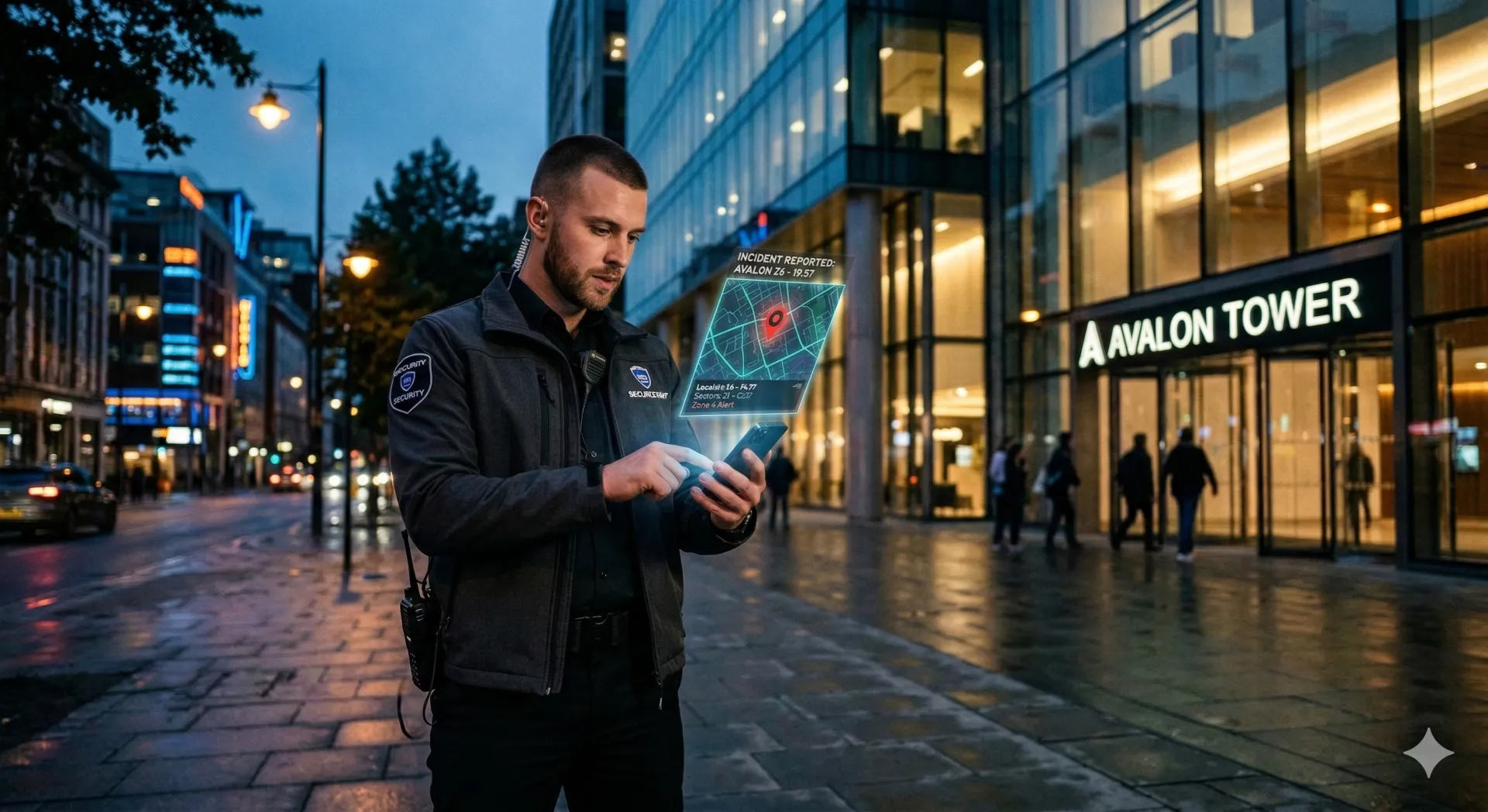
The report a client's lawyer asks for is always the one written on a clipboard at 3am. Digital incident reporting fixes the two failures that lose cases: what the guard forgot to fill in, and what nobody can read afterwards.
Build a report template per incident type, make location, photo or signature a condition of submitting where it matters, and let the app stamp the rest. A submitted report carries the answers, the attachments, a GPS fix from open and one from submit, the template version, and a review trail from draft to approved.
What does digital actually change?
Not the writing. A vague narrative is vague on a screen too. What changes is what the form refuses to accept, and what gets recorded without anyone typing it.
| Factor | Paper Reports | TeamMap Digital |
|---|---|---|
| Legibility | Depends on handwriting | Always clear |
| Completeness | Fields often skipped | Required fields enforced before submit |
| Photos | Separate attachment | Embedded in the report |
| Timestamp | Self-reported | Captured on open and on submit |
| Location | Typed by the guard | GPS coordinates with an accuracy value |
| Submission time | End of shift or later | Immediate, or queued and synced if there is no signal |
| Storage | Filing cabinets | Searchable, attached to the incident |
That last row matters. In a stairwell or a basement dock with no bars, the report queues on the device and syncs when the phone reconnects, covered in offline operations. The paper equivalent goes in a pocket and gets found on Tuesday.
What goes in a report template?
Start from the incident types you actually get, not from a generic form. A slip-and-fall template and a trespass template want different fields, and forcing both through one long form is how you get half-empty reports.
| Section | Fields | Auto-captured? |
|---|---|---|
| Header | Date, time, location, reporting officer | Yes, by prefill |
| Incident type | Category choice (theft, trespass, medical) | No |
| Description | Narrative text field | No |
| Persons involved | Names, descriptions, contact info | No |
| Evidence | Photos, video, files | Partial: the report's own GPS fix |
| Actions taken | Response checklist, narrative | No |
| Notifications | Who was contacted | No |
| Signature | Drawn signature capture | Timestamped |
Building the template
- Open the TeamMap web dashboard and go to Reports.
- Start a new report template.
- Add field types from the list, one tap each.
- Configure each field: label, required, validation, and what it prefills from.
- Add conditions so a field only appears when an earlier answer calls for it.
- Preview it as a guard will see it.
- Publish.
Four prefill sources cover the header: the current time, the current user, the device GPS fix, and the guard's active site. Prefill all four. A field a guard types at 3am is a field that gets typed wrong.
Conditions run on four operators: equals, does not equal, contains, does not contain. That is enough to build the branch that matters most, which is "was anyone injured", and to keep the medical block off the screen the rest of the time.
The field types available
- Text, single or multi-line, or filled by scanning a QR code, a barcode or an NFC tag
- Number, including a slider
- Date and time
- Single choice and multiple choice
- Yes or no
- Rating, two to ten stars, five by default
- Photo, video and audio capture
- Drawn signature
- GPS location
- File attachment
- A link to another record: a site, a person, a shift
- A group, for nesting a repeated block of fields
The scan field is the one people miss. A guard photographing a serial number transcribes it later; a guard scanning the barcode has it right the first time.
A template can make location, a photo or a signature a condition of submitting at all, not merely a field marked required. Use it on the templates where a missing photo would sink the claim, and leave it off the rest so guards do not start fighting the form.
When does an incident get a report?
The honest test is the last item on this list.
- Criminal activity: theft, vandalism, assault
- Suspicious persons or vehicles
- Trespassing
- Medical emergencies
- Property damage
- Fire alarms or evacuations
- Safety hazards
- Accidents or injuries
- Policy violations
- Unusual occurrences
- Anything a client might ask about later
Routine passes belong in the shift log rather than an incident report. The line between the two is drawn in the daily activity report template.
On scene, in order
- Make the scene safe. Nothing gets documented until it is.
- Open the right template. Wrong template means wrong fields, and wrong fields means a rewrite.
- Photograph first. Scenes change; the wide shot you did not take is gone.
- Get witnesses while they are standing there. Names, contacts, and what they say in their own words.
- Fill every field. Optional fields are the ones a lawyer asks about.
- Read it back. Times, spellings, plate numbers.
- Collect signatures where the template calls for one.
- Submit now. The app already knows when you opened it.
How do you write a narrative that holds up?
Your report may be read by police, lawyers, insurance adjusters and a judge. Write it as if it is going to be exhibit A, because occasionally it is.
Who, what, when, where, why, how
- Who was involved: names, descriptions
- What happened: actions, in sequence
- When it happened: specific times, not "around lunchtime"
- Where it happened: the specific location, not "the parking lot"
- Why, only if you know. Never speculate.
- How: method and means
Then six habits. Write what you observed, not what you concluded. Quote people directly. Give times and locations you would want if you were reading it cold. Skip abbreviations. Go in order. Keep opinion out.
The same incident, twice
Poor: "Caught a guy stealing. Stopped him and got the stuff back. Called cops."
Good: "At approximately 1423 hours, I observed a white male, approximately 25-30 years old, 5'10", wearing a red jacket and blue jeans, place two bottles of wine inside his backpack near the beverage aisle. I approached the individual at the store exit and identified myself as security. I asked him to return to the store, which he did voluntarily. The subject removed two bottles of Merlot (value $24.99 each) from his backpack and returned them to me. Store manager Jane Smith was notified. Police were called at 1428 hours. Officer Martinez #4521 arrived at 1445 hours."
The second is longer because every sentence is a fact somebody may need, not because it is padded. More on the craft in writing incident reports people actually read.
What should the photos show?
Wide, then close, then the detail nobody thinks of.
- The overall scene, wide enough to place everything else
- Close-ups of the damage or the evidence
- People, where they consent or it is a public area
- Vehicles, including the plate
- Conditions: wet floor, blown bulb, propped door
- Any signage that matters to the incident
- Serial numbers
Shoot multiple angles, put something in frame for scale, get light on it, and do not filter or crop. The timestamp and GPS come from the app.
What does the submitted record hold?
More than the answers. A submitted report keeps:
- Every answer, in the order the template asked for it
- The attached photos, video, audio and files
- Signatures collected at submission
- A GPS fix from when the report was opened and another from when it was submitted, each with an accuracy value and a source
- The version of the template that was answered, so a later template edit does not rewrite history
- Who submitted it, and when
- Which records it is attached to
Two geostamps rather than one answers the question a defense attorney asks: was the officer there when they said, or did they write it up in the car afterwards.
Getting it to the people who need it
- Anyone on your team with permission opens the live report in the app. No file, no attachment, no version confusion.
- Attach the report to the incident so it travels with the case.
- When a client wants a document, the incident exports to PDF with its details, location, timeline and activity trail.
That PDF is also the artifact a monthly client review is built around, which is the subject of client reports that win renewals.
Who reviews it, and against what?
A report moves through five states: draft, submitted, pending review, approved, rejected. Every transition records who moved it, when, and any note they left, so "why was this rejected" has an answer six months later.
Give supervisors a fixed list rather than a feeling:
The errors worth catching are the same five: times that contradict each other, a witness with no contact details, a description too vague to act on, an opinion written as fact, and the photo nobody took. Reject on those, with a note. "Redo this" teaches nobody anything.
The wider case for moving off paper, including what it does to a client's audit, is in incident reports without the paper, and the incidents feature page covers where reports sit relative to the case record itself.
Key Takeaways
- Build a template per incident type. One long generic form produces half-empty reports.
- Prefill the time, the user, the GPS fix and the active site. Do not make a guard type them.
- Make location, a photo or a signature a condition of submitting where it decides the claim.
- Every report carries a geostamp from open and from submit, plus the template version.
- Review moves through draft, submitted, pending review, approved or rejected, with a note at each step.
Continue Reading

Offline mode: what TeamMap does with no signal
Offline mode holds scans, reports, clock-ins and photos on the phone until signal returns. What still works, what does not, and the radio fallback.
Channel communication in TeamMap: a setup guide
Set up channels in TeamMap by site, shift and incident, decide open or private, tune notifications, and export the history before retention closes.
Task assignment and tracking in TeamMap: a guide
Task assignment in TeamMap: set priority and due time, require photo, GPS, NFC or QR proof, watch what is overdue, and keep the load even across the team.